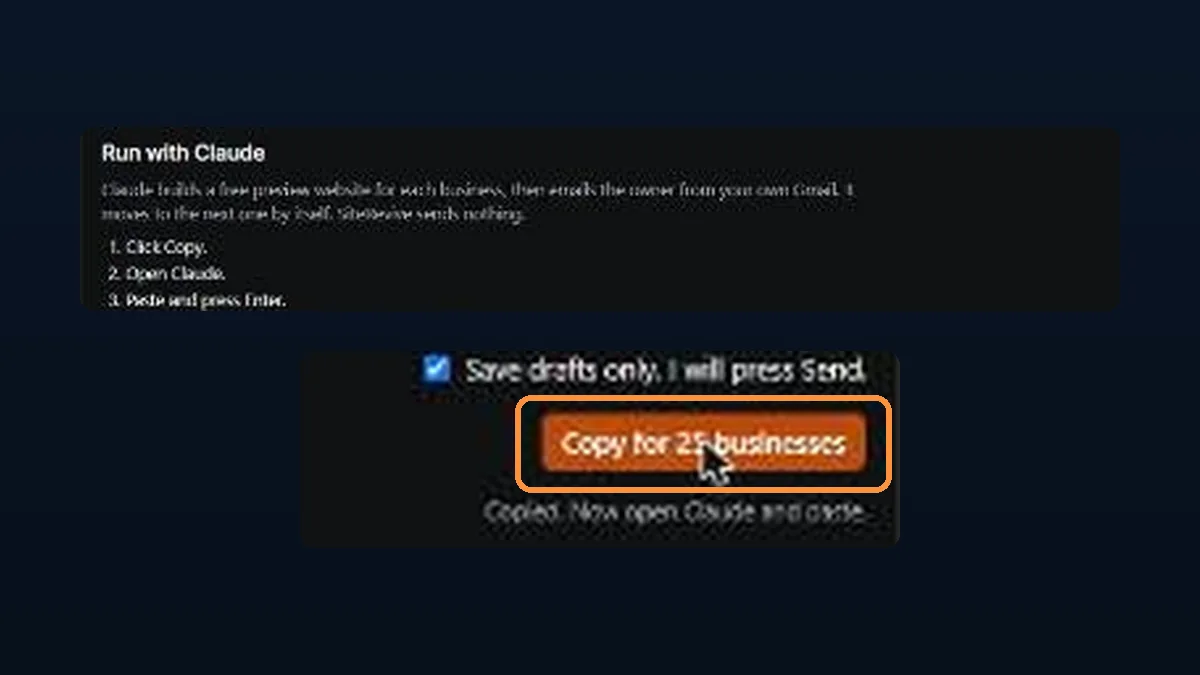
Run with your AI
Paste one prompt. Your AI builds the sites.
One click copies your leads. Your AI does the rest, one business at a time.
7-day money-back guarantee, no questions asked · Nothing to install
SiteRevive
Save drafts only
Copy for 25 businesses
CClaude
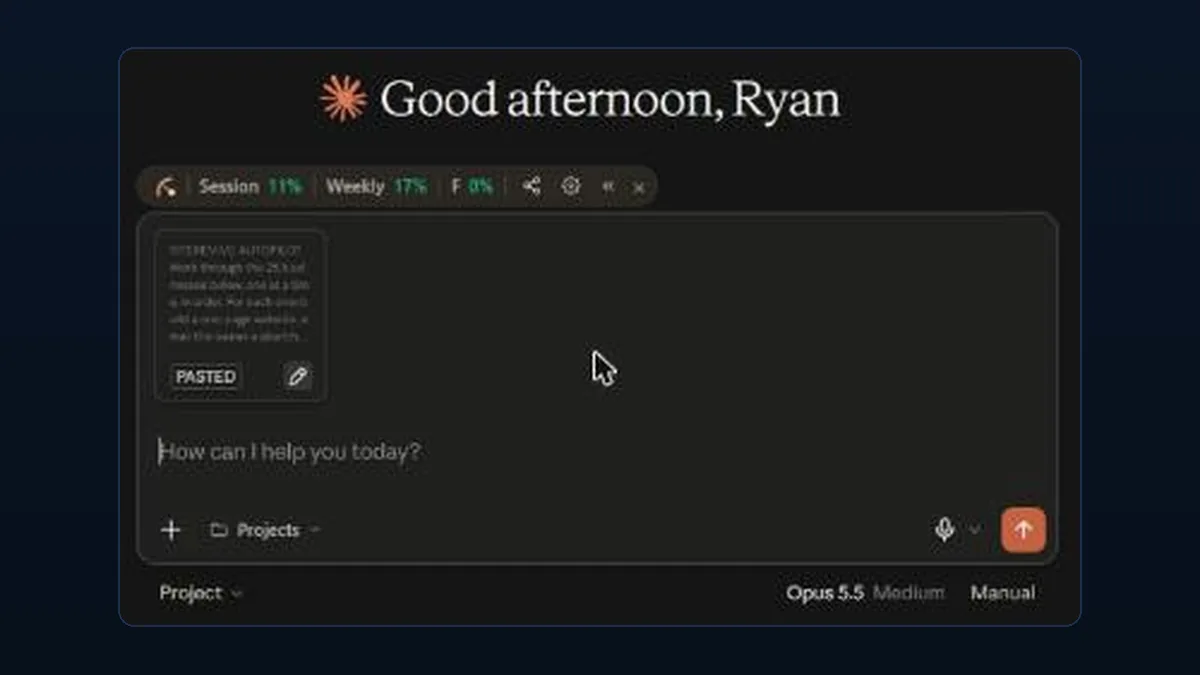
Pasted text
Paste. Press Enter.
20Preview sites
Watch one real run.
A real run on October 18, 2026. Business names blurred.
Four steps. Then you wait.
What Claude does on every site
As of release 3.3.0Confirms the business on Google Maps
Checks it on a phone
Adds Google business info for search
Shows the real Google rating
A big call button
Your booking link
A look for each trade
Writes a short note naming one real problem
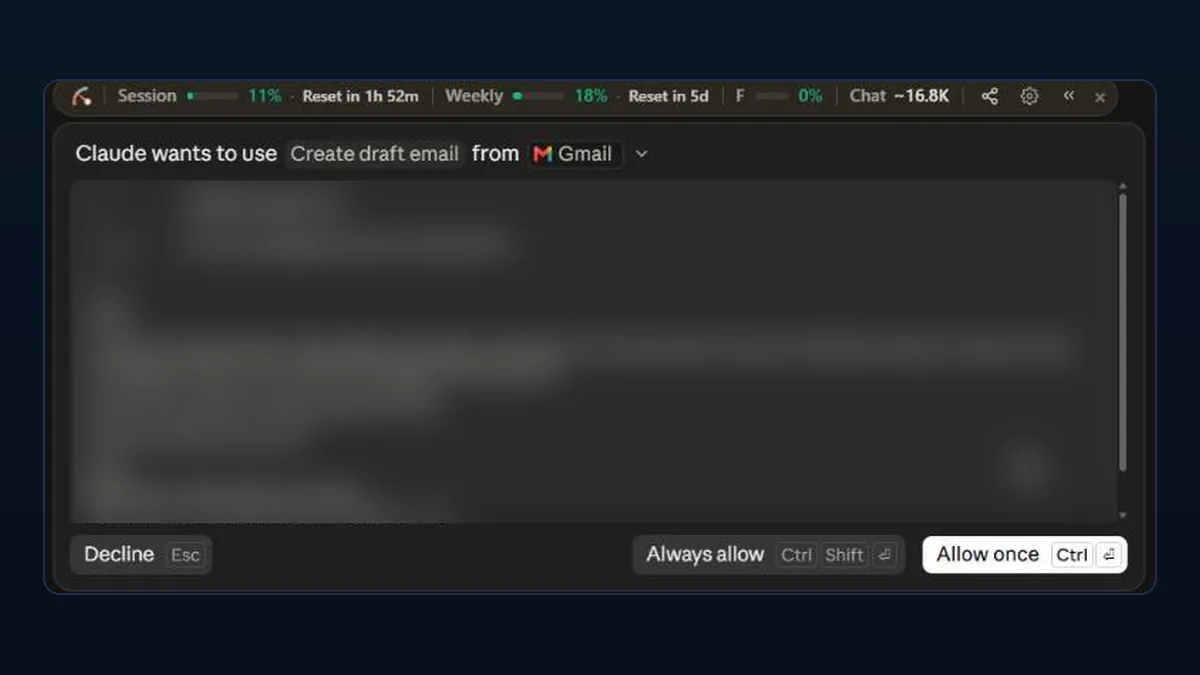
Saves a draft or sends from your inbox20 a day at most
Stops when an owner replies
What that run did
25businesses in
20preview pages built
3drafts saved
0sent
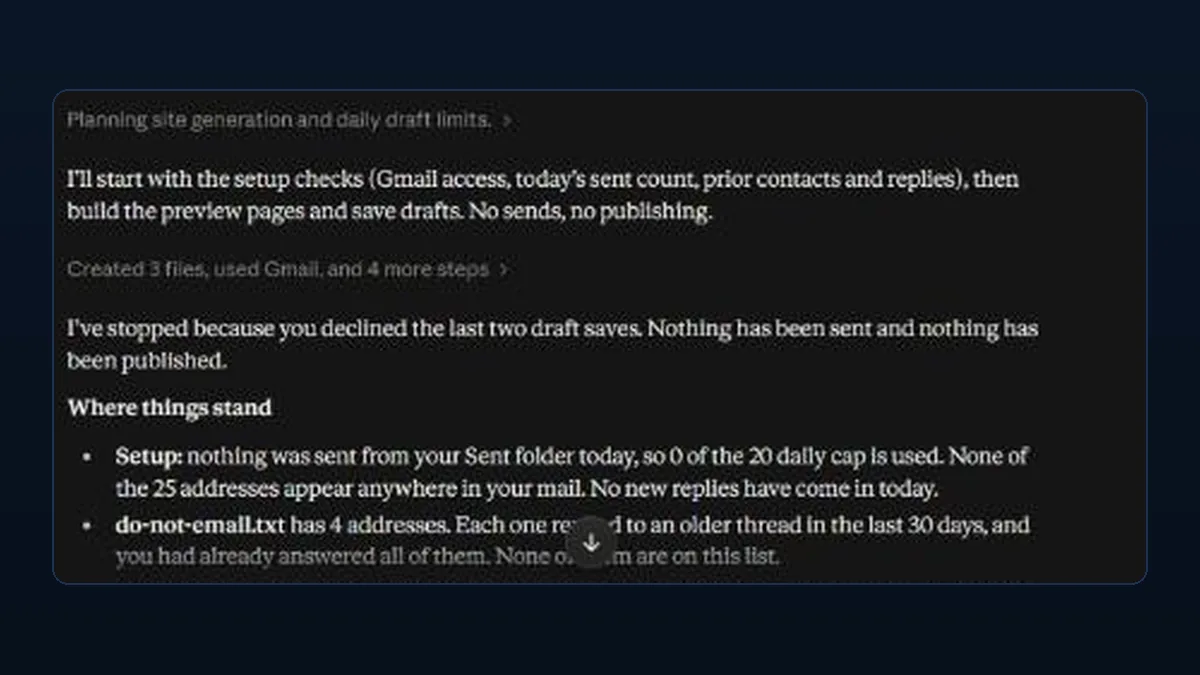
One run. Not a promise of results.
Sites it builds
Heating & coolingOpen live sample: Blue Ridge Air and Heat
Family dentalOpen live sample: Lakeshore Family Dental
BarbershopOpen live sample: Northgate Barber Co.
ChiropractorOpen live sample: Summit Spine and Sport
ContractorOpen live sample: Ironwood Builders
Sample sites with made-up businesses.
Quick answers
Do I need Claude Pro?
You need your own Claude account with your email connected (Gmail, Google Workspace or any other). Pro or Max works best. Claude bills you for it. It is not part of your SiteRevive plan.
Does it send emails?
Only if you let it. With "Save drafts only" ticked, Claude just saves drafts. Untick it and Claude sends from your own email, 20 a day at most, and stops when an owner replies. SiteRevive itself sends nothing.
Where do the sites live?
A shareable Claude link to start. Claude asks you to press Publish once for each site. Move it to the owner's own domain when they say yes.
What if the business isn't on Google Maps?
Claude searches for the name and address. If it finds a clearly different business, it skips it. If it finds nothing either way, it still builds the site, but saves the note as a draft, never sends it, and tells you to check Google Maps first.
Can I read each email first?
Yes. With "Save drafts only" on, every note waits in your email drafts. You read it and press Send yourself.
SiteRevive + Run with your AI
Starter
$97a month
10 leads a day
- Find leads in any town
- Sites built for you
- Owners pitched for you
Pro
$249a month
1,000 leads a month
- Find leads in any town
- Sites built for you
- Owners pitched for you
Unlimited
$499a month
Unlimited leads
- Find leads in any town
- Sites built for you
- Owners pitched for you
7-day money-back guarantee, no questions asked.
Cancel any time.
Your AI plan is billed separately by your AI provider.
Copy. Paste. Let your AI run.
Start from $97 a month7-day money-back guarantee, no questions asked · Cancel any time